
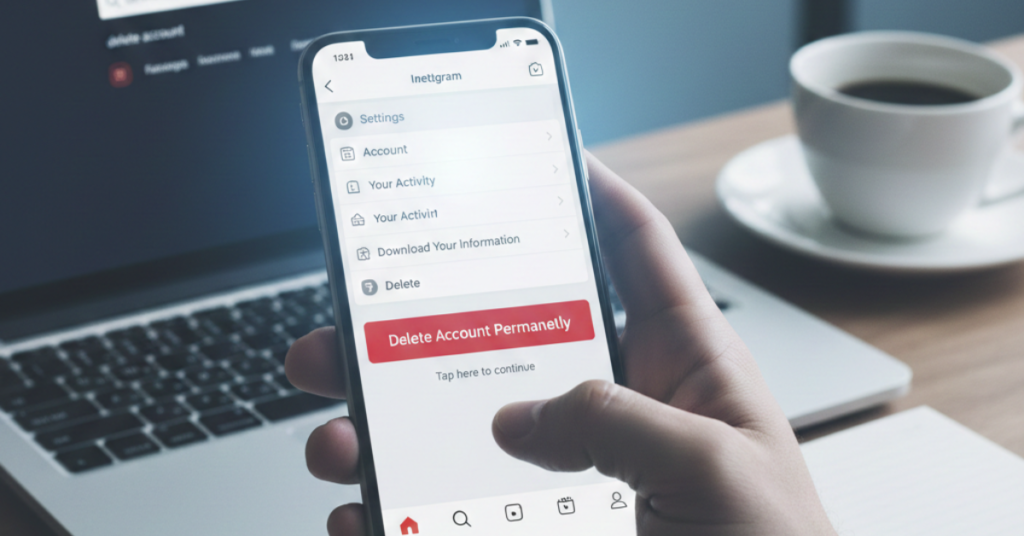

Thinking about saying goodbye to Instagram for good? You’re not alone. Whether it’s for privacy, mental health, or simply moving on, many users are searching for how to delete Instagram account permanently—and not just deactivate it.
In this guide, we’ll walk you through exactly how to delete Instagram account in 2025, including steps for phone, iPhone, and common mistakes to avoid.
Before You Delete: Important Things to Know
Deleting your Instagram account is permanent. Once it’s gone, there’s no undo button.
Here’s what happens when you delete:
-
All photos, videos, messages, and followers are erased
-
Your username cannot be reused
-
You lose access to connected apps and logins
If you’re unsure, Instagram also offers temporary deactivation—but this guide focuses on permanent deletion.
How to Delete Instagram Account Permanently (2025 Method)
Instagram does not allow permanent deletion directly from the app. You must use a browser.
Step-by-Step Instructions
-
Log in to your Instagram account using a browser
-
Visit Instagram’s Delete Your Account page
-
Select a reason for deleting your account
-
Re-enter your password
-
Click Delete Account Permanently
That’s it. Your account enters a short grace period before final removal.
How to Delete Instagram Account on Phone or iPhone
Many users search for how to delete Instagram account on phone, so here’s the truth:
You cannot permanently delete your account directly inside the Instagram app—on Android or iPhone.
What You Can Do Instead
-
Open Safari or Chrome on your phone
-
Log into Instagram via the browser
-
Follow the same deletion steps listed above
This method works for:
-
How to delete Instagram account on iPhone
-
How to delete Instagram account on phone (Android)
How to Delete Instagram Account on App (What’s Possible)
Inside the app, you can only:
-
Deactivate (temporarily disable) your account
-
Manage privacy and data downloads
Permanent deletion requires a browser. This often confuses users searching for how to delete Instagram account on app, but Instagram keeps this option limited on purpose.
Deactivate vs Delete: What’s the Difference?
| Feature | Deactivate | Delete Permanently |
| Account hidden | ✅ | ❌ |
| Data removed | ❌ | ✅ |
| Can return later | ✅ | ❌ |
| Username saved | ✅ | ❌ |
If you want a clean break, permanent deletion is the right choice.
How Long Does Instagram Take to Delete Your Account?
After submitting the deletion request:
-
Your account becomes invisible immediately
-
Instagram fully removes it after about 30 days
-
Logging in during this period cancels deletion
This applies to how to delete Instagram account 2025 as well.
Common Issues When Deleting Instagram Account
Here are problems users often face:
-
Can’t find the delete page
-
Login errors due to 2FA
-
Accidentally deactivating instead of deleting
Tip: Always double-check the final confirmation screen before exiting.
Read also <<< How Many Ounces in a Gallon
FAQs About Deleting Instagram Account
Can I recover my Instagram account after deleting it permanently?
No. Once the deletion is complete, recovery is impossible.
Does deleting Instagram delete linked Facebook accounts?
No. It only deletes your Instagram profile unless accounts are merged.
Can I delete Instagram accounts without password?
No. Instagram requires password verification for security reasons.
Is deleting Instagram better than deactivating?
If you’re sure you won’t return, deleting is the better long-term option.
Will my messages disappear for others?
Yes. Messages sent from your account will no longer be accessible.
Conclusion: Is Deleting Instagram the Right Choice?
Learning how to delete Instagram account permanently gives you control over your digital life. Whether you’re simplifying, protecting privacy, or just taking a new direction, the process is straightforward once you know where to look.